
Oct 29, 2025
By NetRiller Team
How to Connect to a VPS — SSH, RDP, and Best Practices
Introduction
Virtual Private Servers (VPS) are the recommended way to host remote services safely. This post explains connecting via SSH (Linux) and RDP (GUI), plus essential security measures.
Connect via SSH (Linux / macOS / Windows with WSL or client)
ssh youruser@your_vps_ip

# Example with key

ssh -i ~/.ssh/your_key.pem youruser@your_vps_ip
Secure Your SSH
- Use SSH keys and disable password authentication in
/etc/ssh/sshd_config. - Change the default SSH port (optional) and use fail2ban to block brute-force attempts.
- Limit user access via
AllowUsersand use a non-root user.
Install RDP on your VPS (if GUI needed)
On Ubuntu:
sudo apt update

sudo apt install -y xfce4 xrdp

sudo systemctl enable --now xrdp
Then secure access by creating an SSH tunnel:
ssh -L 3390:localhost:3389 youruser@your_vps_ip

# Point your local RDP client to localhost:3390
Firewall & Network
- Open only required ports (use UFW or cloud provider firewall rules).
- Prefer allowing access from your IP or a VPN subnet instead of wide-open rules.
Backup & Monitoring
- Automate backups of critical data and snapshots of the VPS image.
- Use monitoring and alerts (uptime, CPU, disk) to detect issues early.
Final Notes
Always treat a VPS as a production server: secure access, keep it patched, and minimize exposed services.
You Might Also Like

Oct 10, 2025
How RDP Hosting is Revolutionizing Remote Work
Discover how Remote Desktop Protocol hosting empowers businesses to work efficiently from anywhere i...
Read More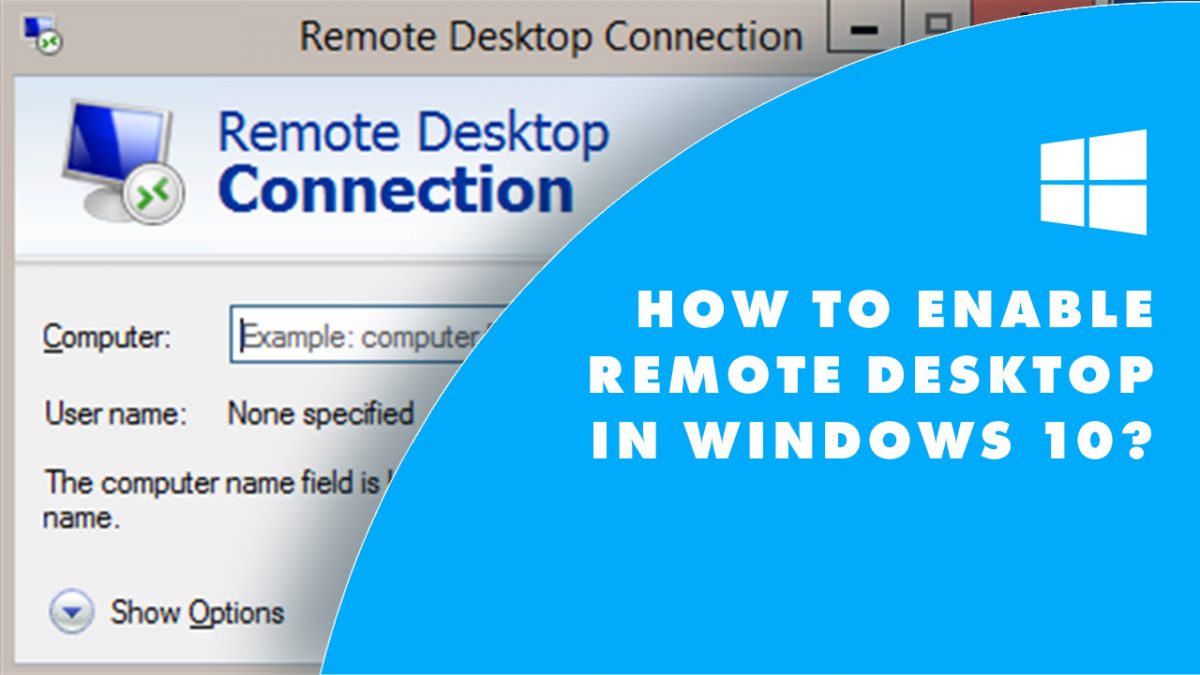
Oct 29, 2025
How to Use RDP on Windows — A Step-by-Step Guide
A clear, safe walkthrough to connect to and host Remote Desktop (RDP) sessions on Windows — with s...
Read More
Oct 29, 2025
RDP and Tails OS — Why It’s Not Recommended & Safer Alternatives
Tails is an amnesic OS designed for privacy — it's not suitable to host RDP. Read why and learn sa...
Read More