Oct 29, 2025
By NetRiller Team
How to Use RDP on Kali Linux
Introduction
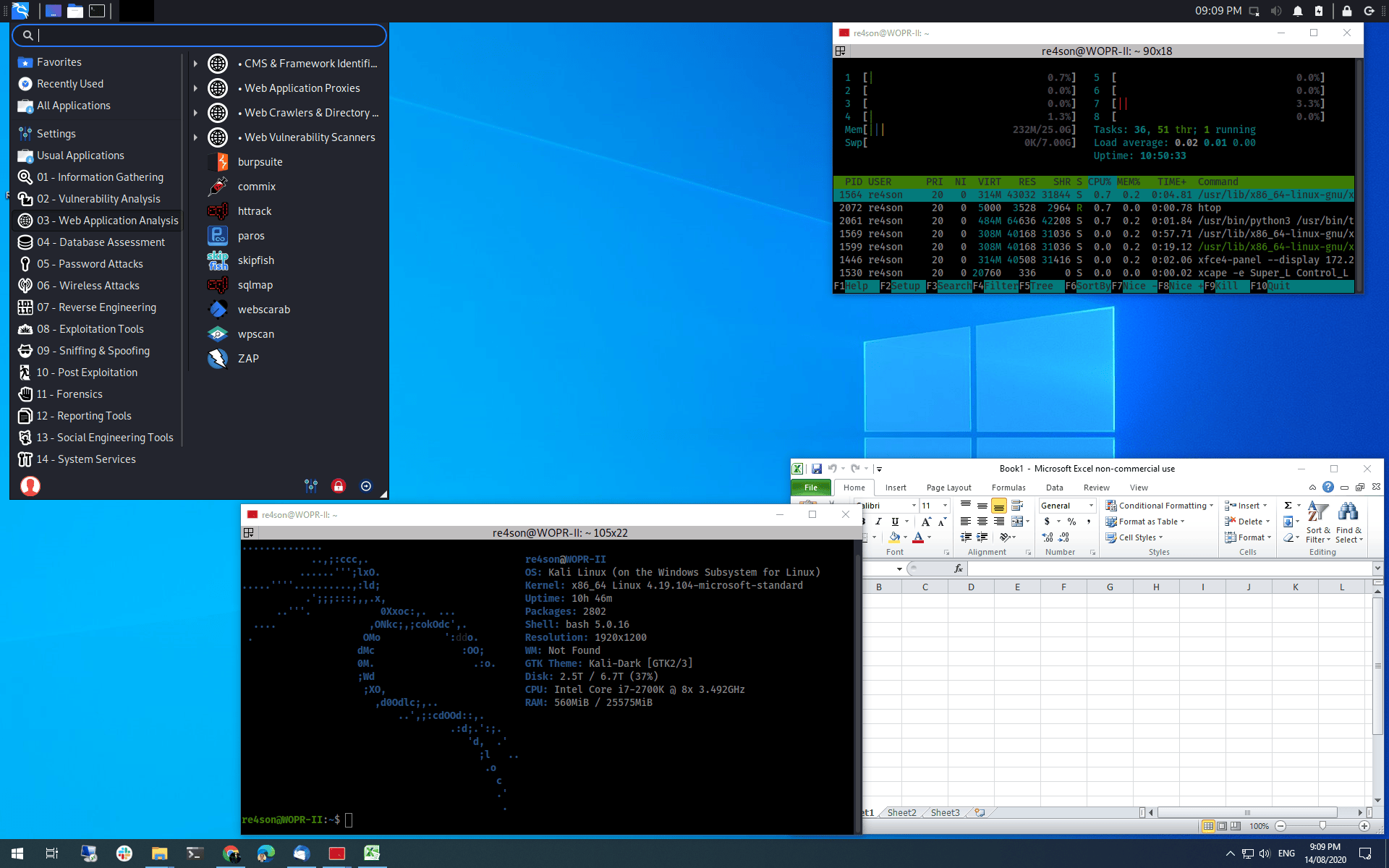
Kali Linux is a specialized distribution often used for security testing. You can enable xRDP for remote GUI access when required for lab work — do so cautiously and with security in mind.
Install a Desktop Environment
sudo apt update

sudo apt install -y xfce4 xfce4-goodies
Install and Configure xRDP
sudo apt install -y xrdp

sudo systemctl enable --now xrdp

echo "xfce4-session" > ~/.xsession

sudo service xrdp restart
Security Considerations
- Do not enable RDP on public-facing attack labs — use a VPN or isolated network.
- Keep SSH enabled for command-line access; limit RDP use to isolated testing environments.
- Remove unnecessary services and harden accounts with strong passwords.
Connect
Use an RDP client with the Kali host IP. For stronger security, connect via SSH tunnel or VPN instead of opening port 3389 publicly.
You Might Also Like

Oct 17, 2025
The Rise of Virtual Desktops: Why It’s Here to Stay
Virtual desktops are changing how we manage work environments — here’s why this trend is unstopp...
Read More
Oct 12, 2025
The Future of Cloud Computing: What to Expect in 2026
Cloud infrastructure is evolving faster than ever — discover what trends will shape its next era....
Read More
Oct 14, 2025
Boosting Productivity with Multi-Session RDP Servers
Maximize performance and collaboration by enabling multiple users on a single RDP server....
Read More